Guide · Apr 06, 2026
How do I login as a new user?
Set a password for the first time
Tips
If you don't receive the email, double check it was entered correctly and not caught in any company filters
Go directly to Yipy via http://accounts.yipy.io/
Learn More

Setting up an account for the first time
Step-by-Step Instructions
1

Login
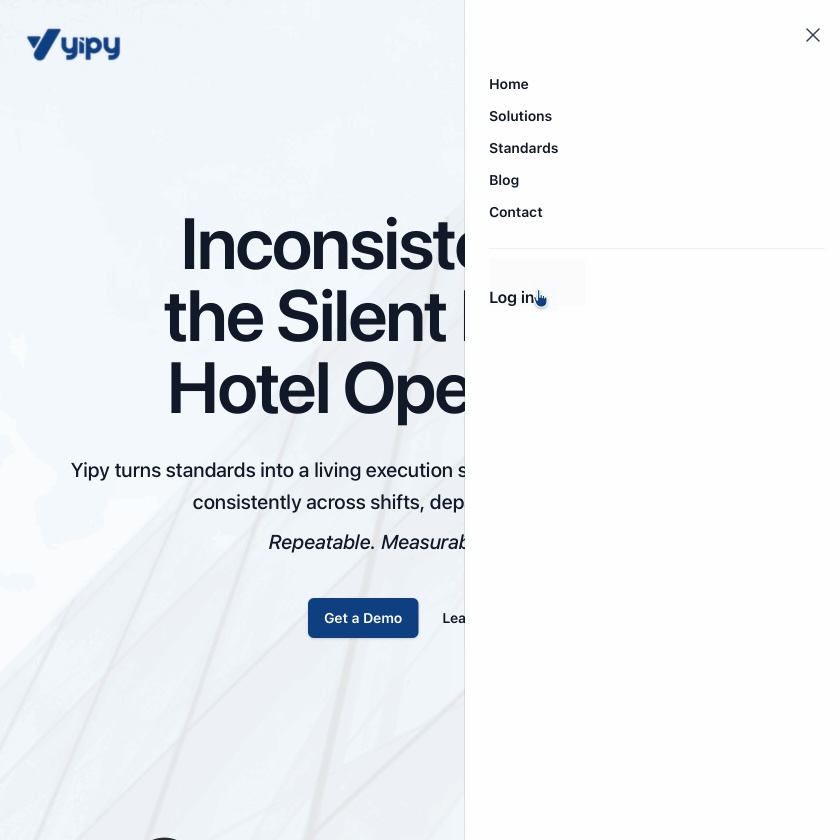
Click the side navigation menu
2
Login
Click Login
3
Login
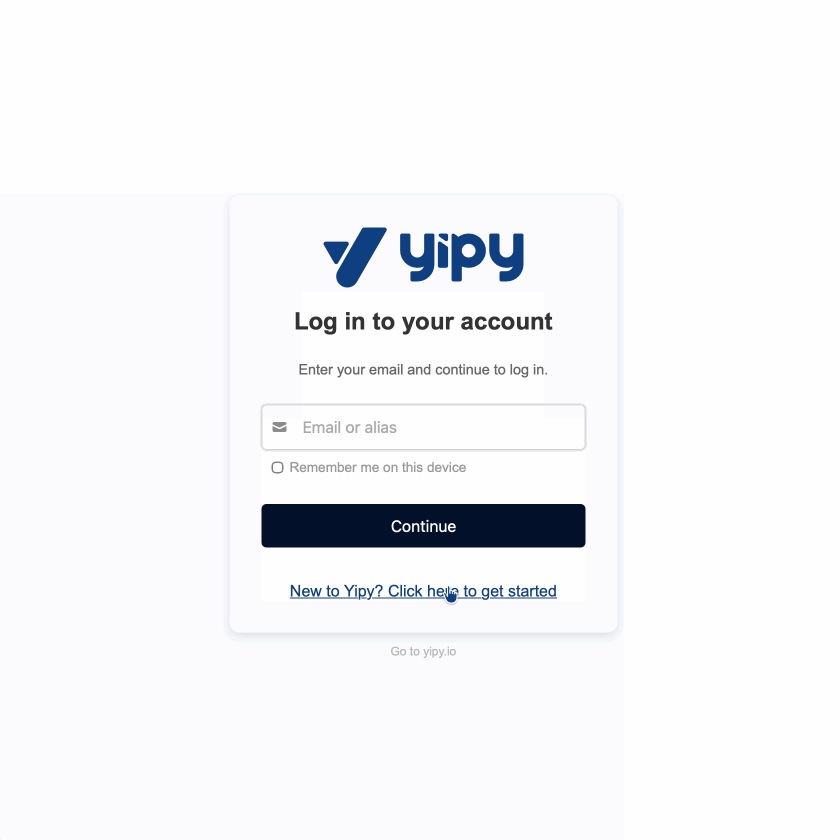
Click Link
4
Login
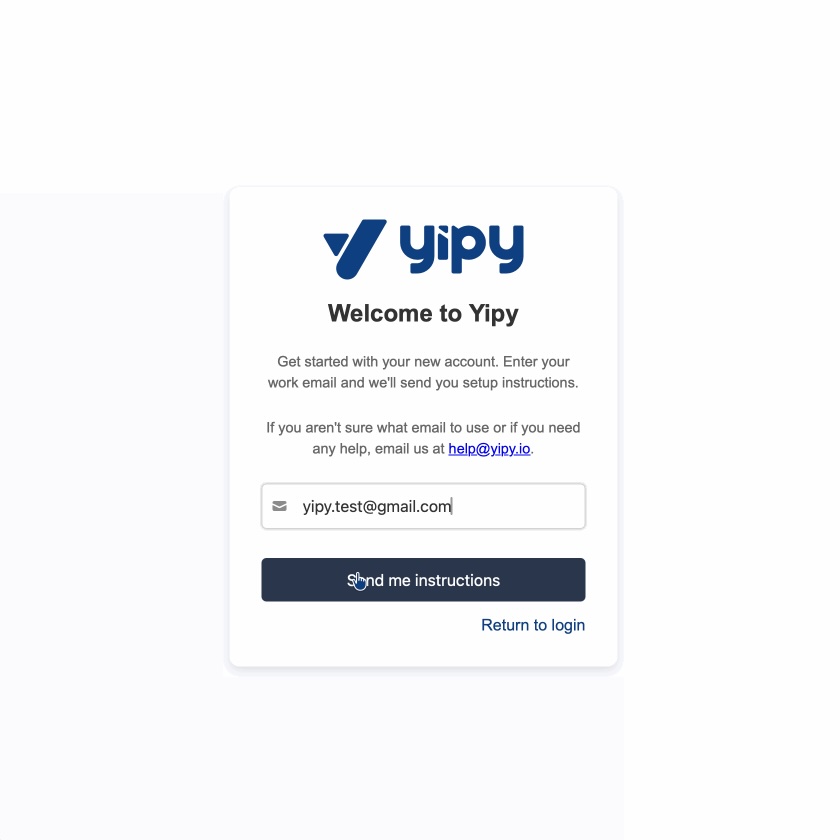
Enter Email & click Send me instructions
5
Login
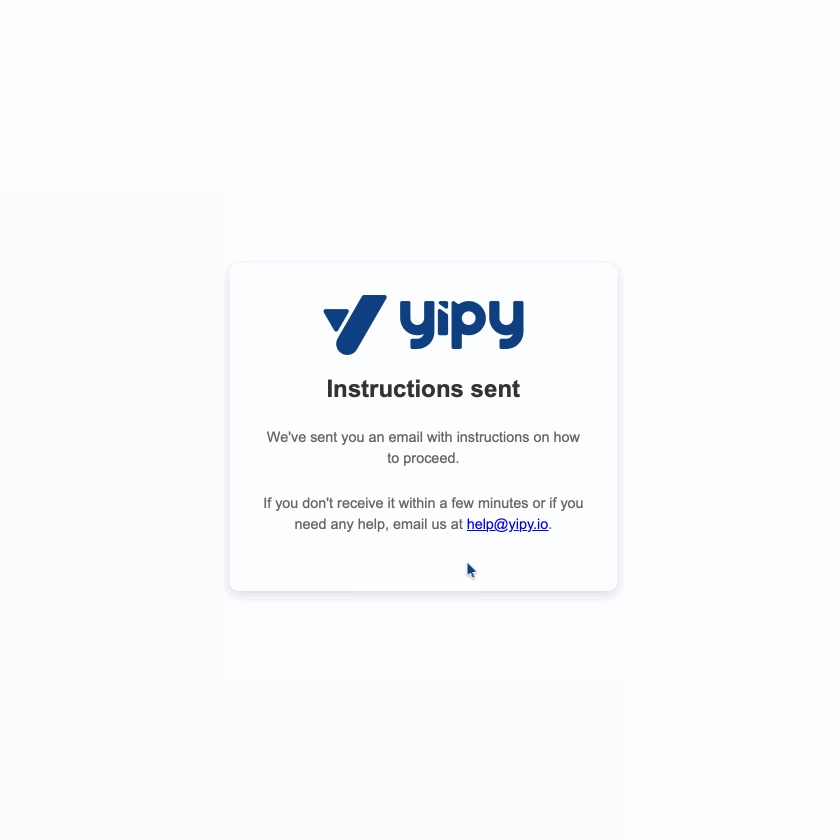
Ensure you see the instructions sent confirmation
6
Login
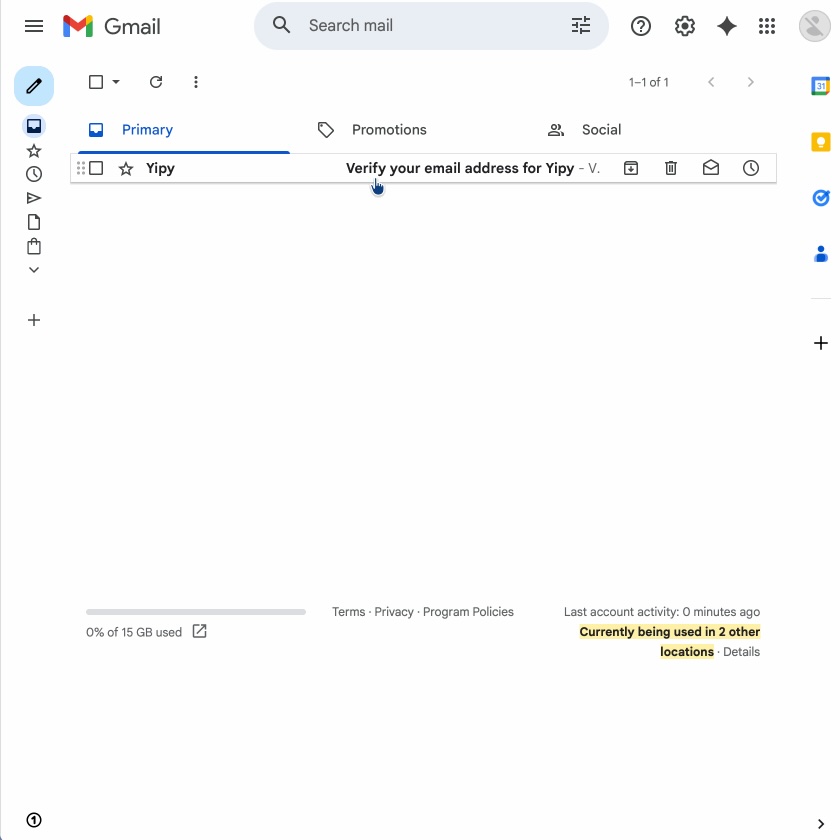
Navigate to your email client and open instructions email
This could be gmail, outlook or any other email provider
7
Login
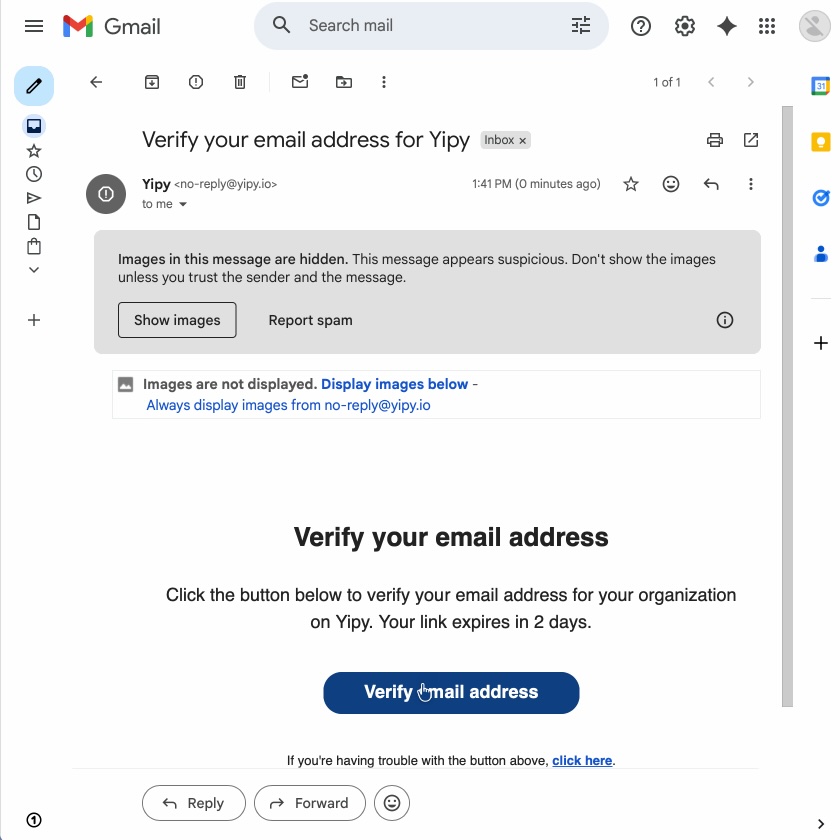
Click Verify email address
8
Login
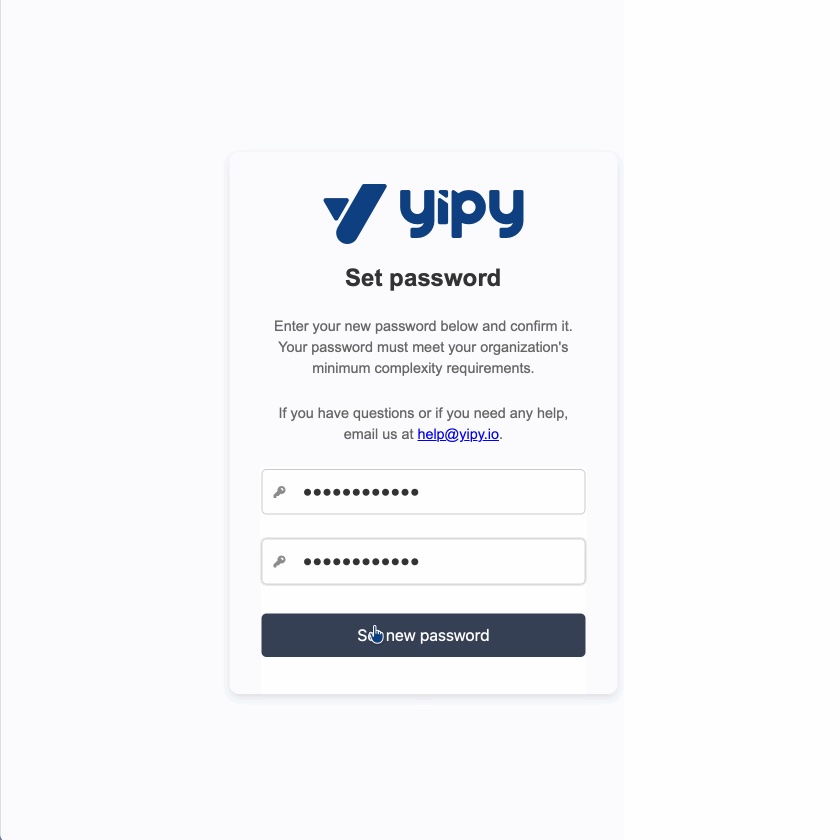
Enter a password
Use the same password in the second box to confirm
9
Login
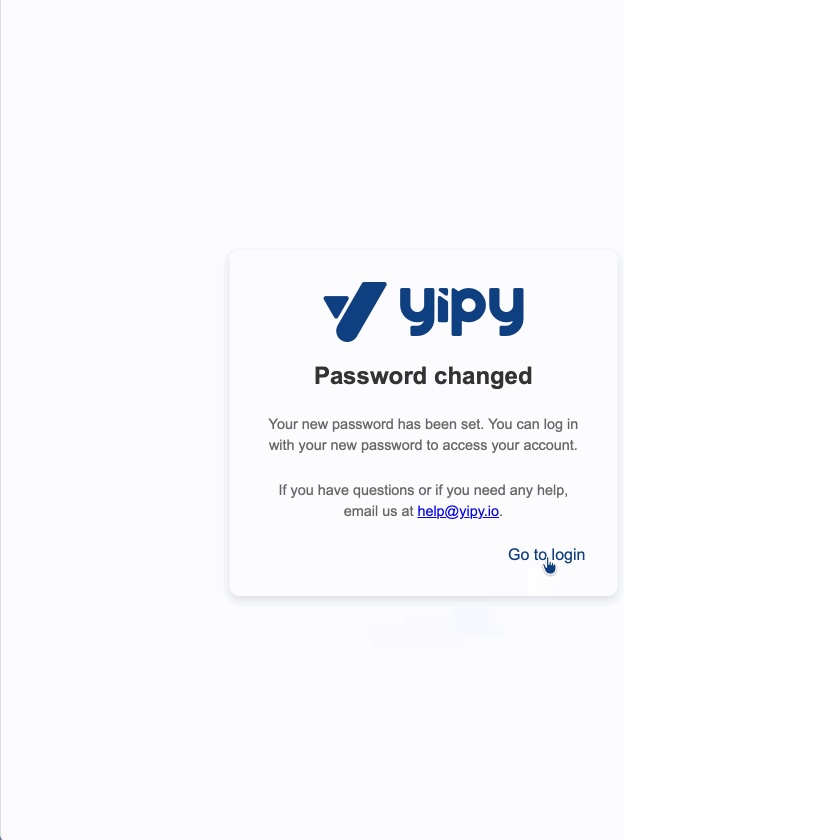
Click Go to Login on the password changed confirmation
10
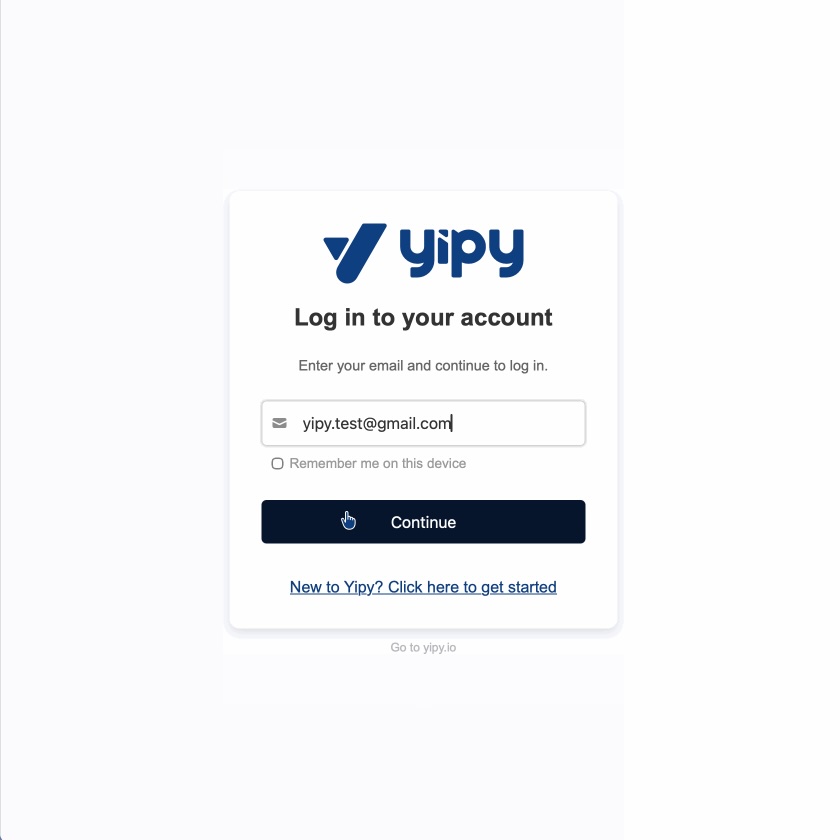
Login
Enter the same email & click continue
11
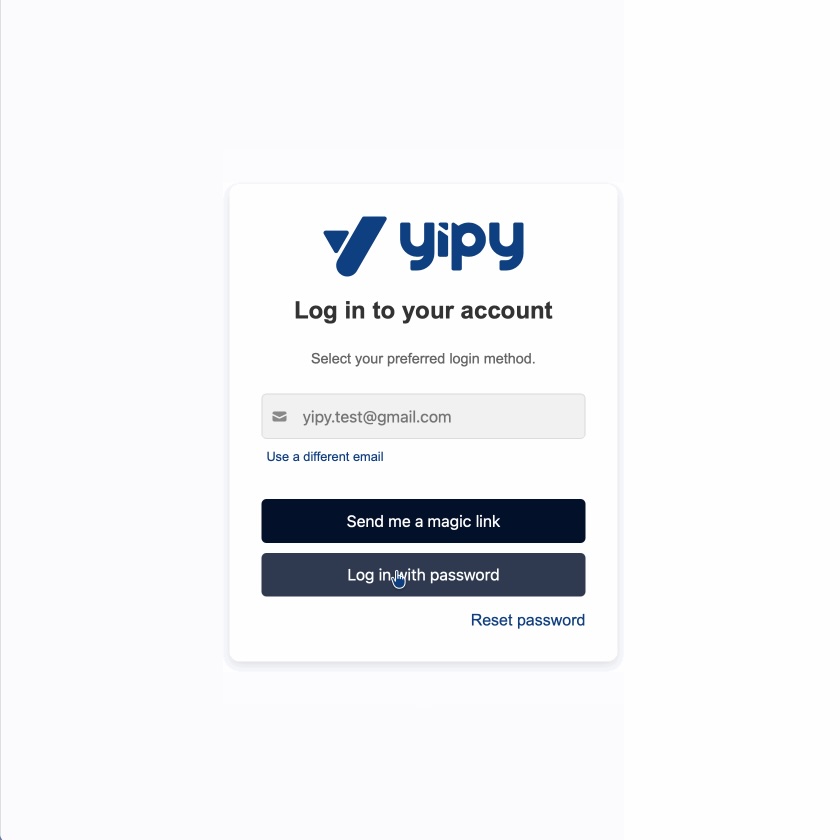
Login
Select login with password
You can also use Send me a magic link to send a link directly to your email
12
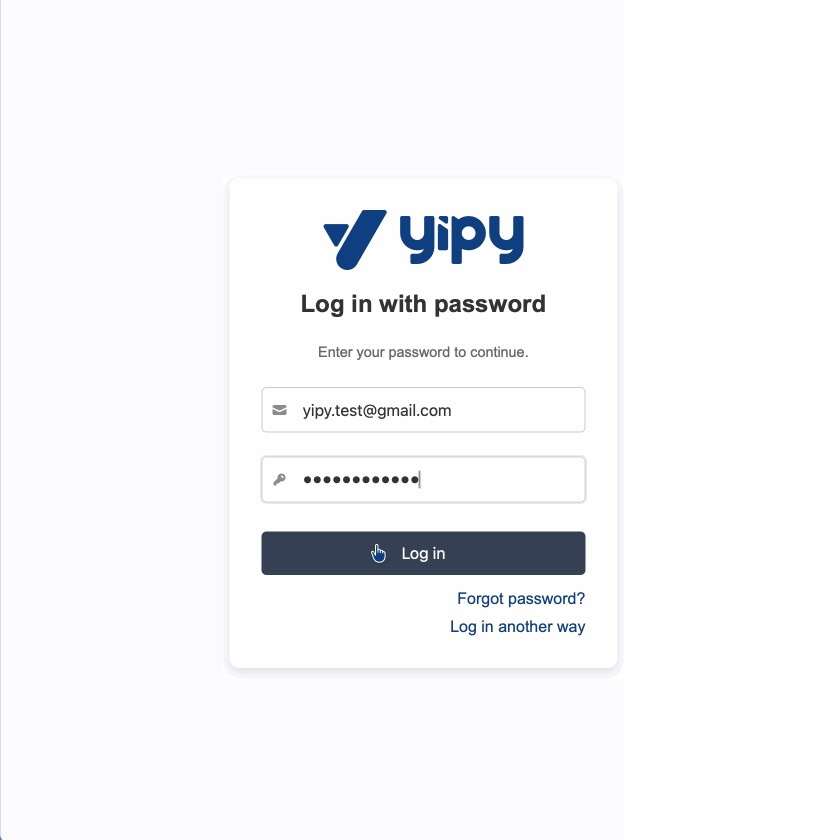
Login
Enter your password and click Log in
13
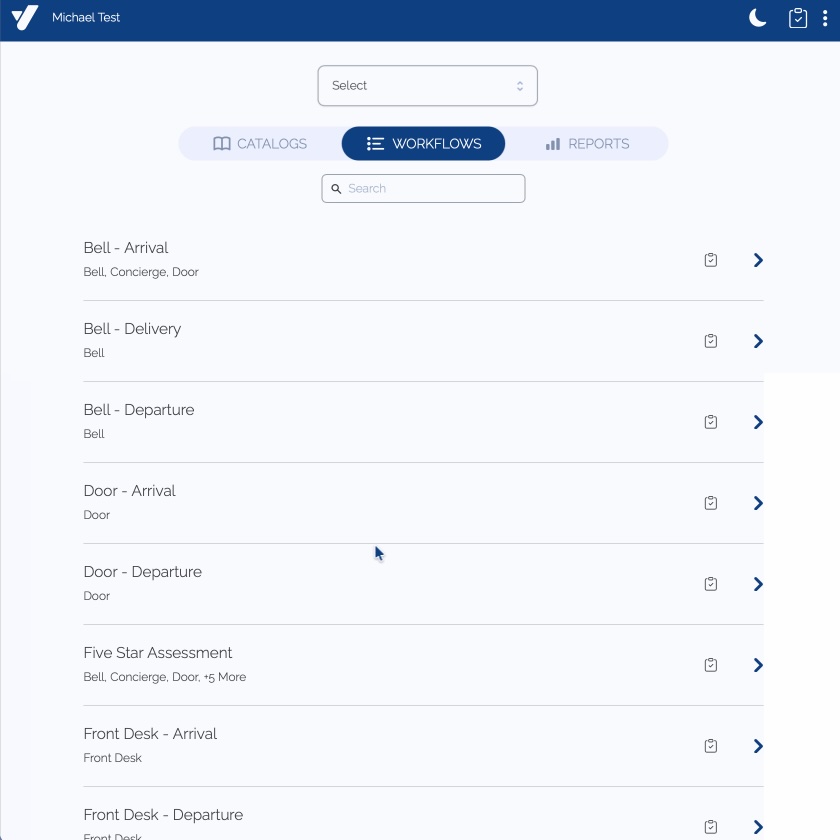
Login
Land on your personal dashboard